Guide
Guide: Office Automation Setup in the UAE (Rooms, Scenes, and Control)
2024-02-12 6 min read
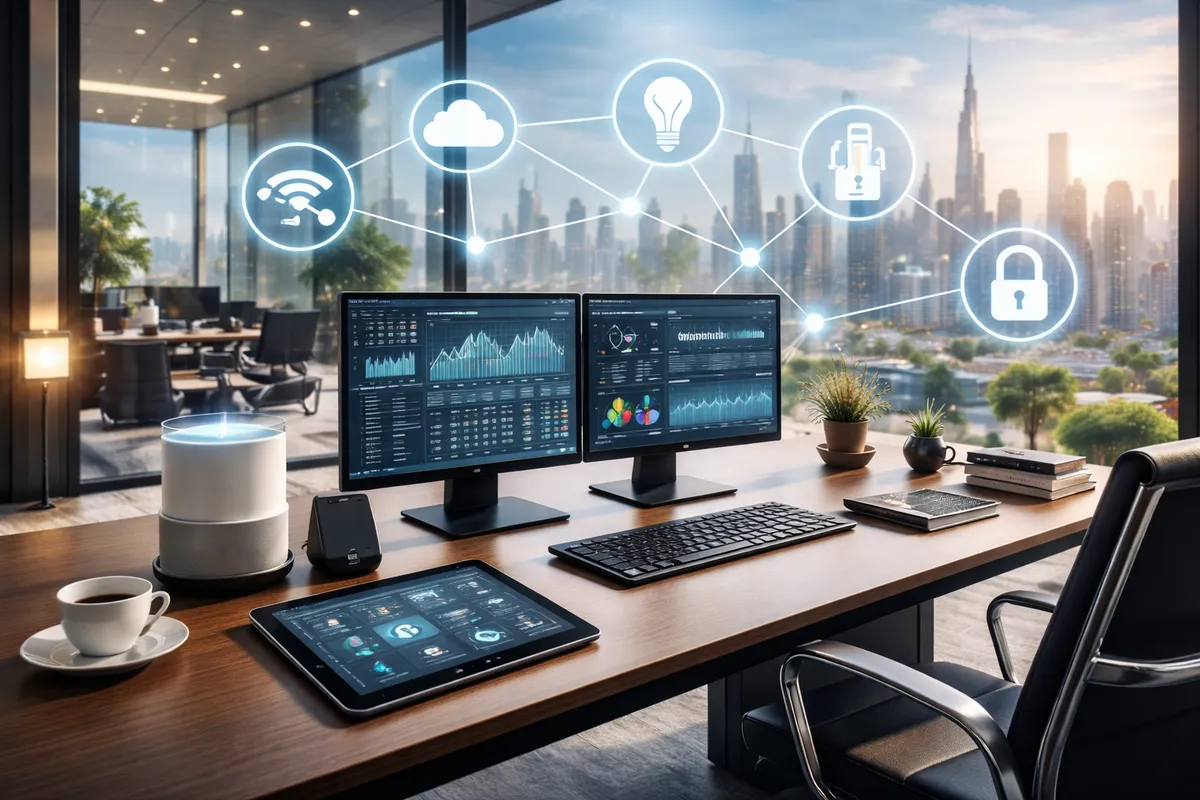
Office automation should make work smoother and more professional — not complicated. The best office setups focus on scenes, meeting rooms, and energy efficiency, while staying simple for staff.
Step 1: Identify your “automation zones”
Most offices break down into:
- reception
- open workspace
- CEO / management office
- meeting rooms
- pantry / back office
- corridors / washrooms
Step 2: Start with lighting + blinds (highest ROI)
Lighting scenes
- Reception: “Welcome”
- Meeting room: “Presentation / Video Call / Meeting”
- CEO office: “Work / Relax / After-hours”
- Corridor: motion-based night lighting
Blinds automation
- scheduled open/close (privacy and sunlight control)
- “Presentation scene” closes blinds automatically
Step 3: Choose control style (simple wins)
A premium setup usually uses:
- wall control (clean, consistent)
- touch panel at reception + meeting room
- app control for managers/admin
Step 4: Add smart schedules for savings
Common schedules:
- all on at opening time
- partial lighting after-hours
- all off at closing time (with exceptions)
This alone cuts wasted electricity significantly.
Step 5: Add sensors where they make sense
- motion sensors in corridors/washrooms
- occupancy for meeting rooms
- door sensors for restricted rooms (optional)
Step 6: Make it expandable
Even if you automate only lighting first:
- leave space for future rooms
- plan for more scenes
- allow upgrades without rewiring everything
If you share your office layout (rooms + functions), we can propose a scene plan and control points that feel premium and remain easy for staff.